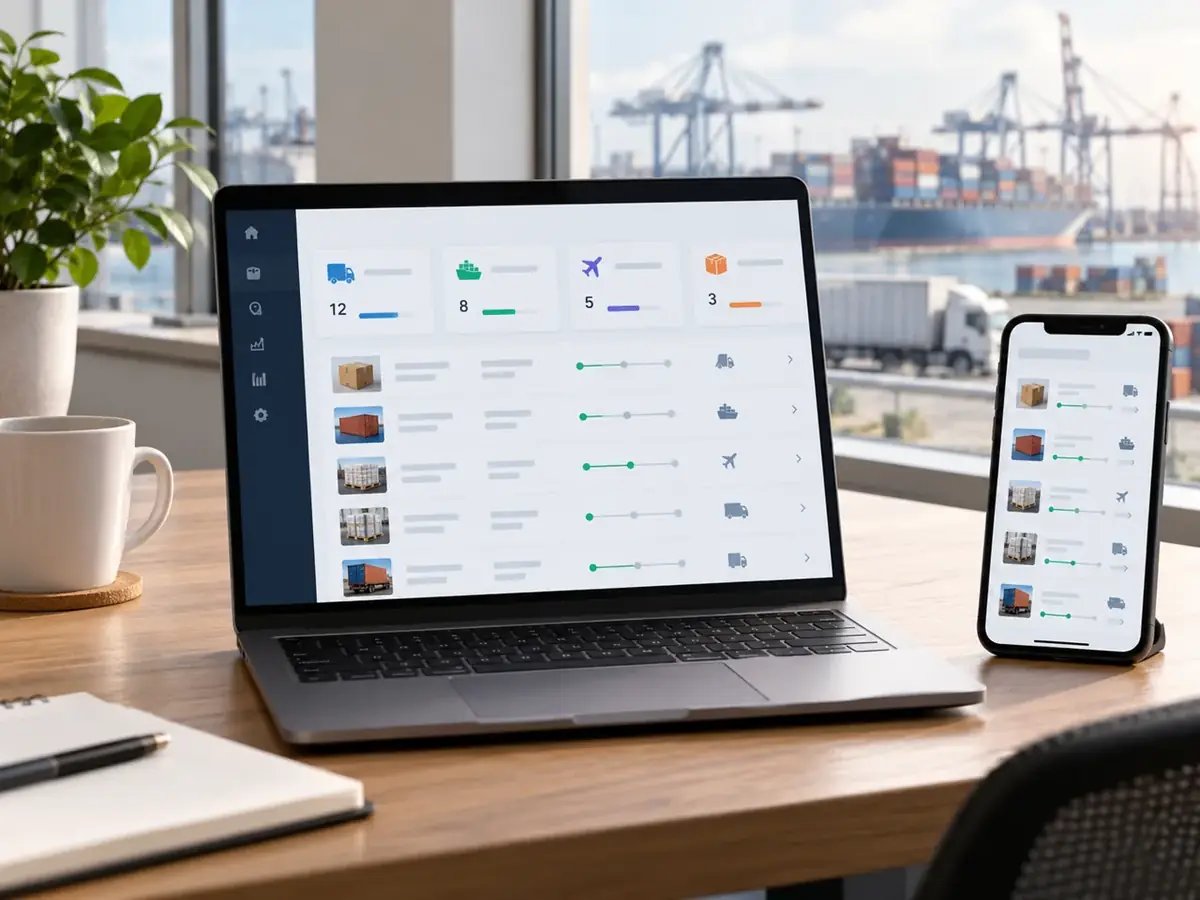
Get to know the customer portal, understand how access works, and find the right next step before you sign in.
Meet PTN360
A dedicated place to connect with PTN.
PTN360 is PTN’s customer portal, available at www.myptn360.com. It provides a dedicated entry point to your PTN account and the portal services made available to you.
Use this page to understand the portal, prepare for access, or contact PTN for assistance. When you are ready, the Open PTN360 button below takes you to the portal itself.
What you can access
Your account. Your available tools.
01 / Access
Customer account
Open PTN360 and follow its sign-in process to reach your account. Use the account details supplied or approved by PTN.
02 / Explore
Tools and information
Explore the tools, information, and resources enabled within your account. The available sections depend on your account and access permissions.
03 / Connect
Account assistance
Need access, help signing in, or guidance on a portal feature? Contact PTN so the team can direct your request to the right person.
Contact PTN to confirm which capabilities are available for your account.
Getting started with PTN360
1. Have your account details ready
If you do not have access yet, contact PTN with your name, company, and work email.
2. Open the portal
Select Open PTN360 to continue to www.myptn360.com and follow the sign-in instructions shown there.
3. Explore your available workspace
After signing in, use the sections enabled for your account. If something is unavailable or unclear, ask the PTN team for assistance.
Questions before you sign in?
Where do I access PTN360?
The portal is at www.myptn360.com. Use the Open PTN360 button on this page to continue.
What if I do not have an account?
Contact PTN to discuss access. Share your company name and work email so the team can guide you.
Will every account show the same features?
Available tools and information depend on your account permissions. PTN can confirm the access appropriate to your requirements.